Render from the scene you saved
Render from the scene you saved
Set the camera, pick the model and mode, choose the aspect. The render comes off that geometry.
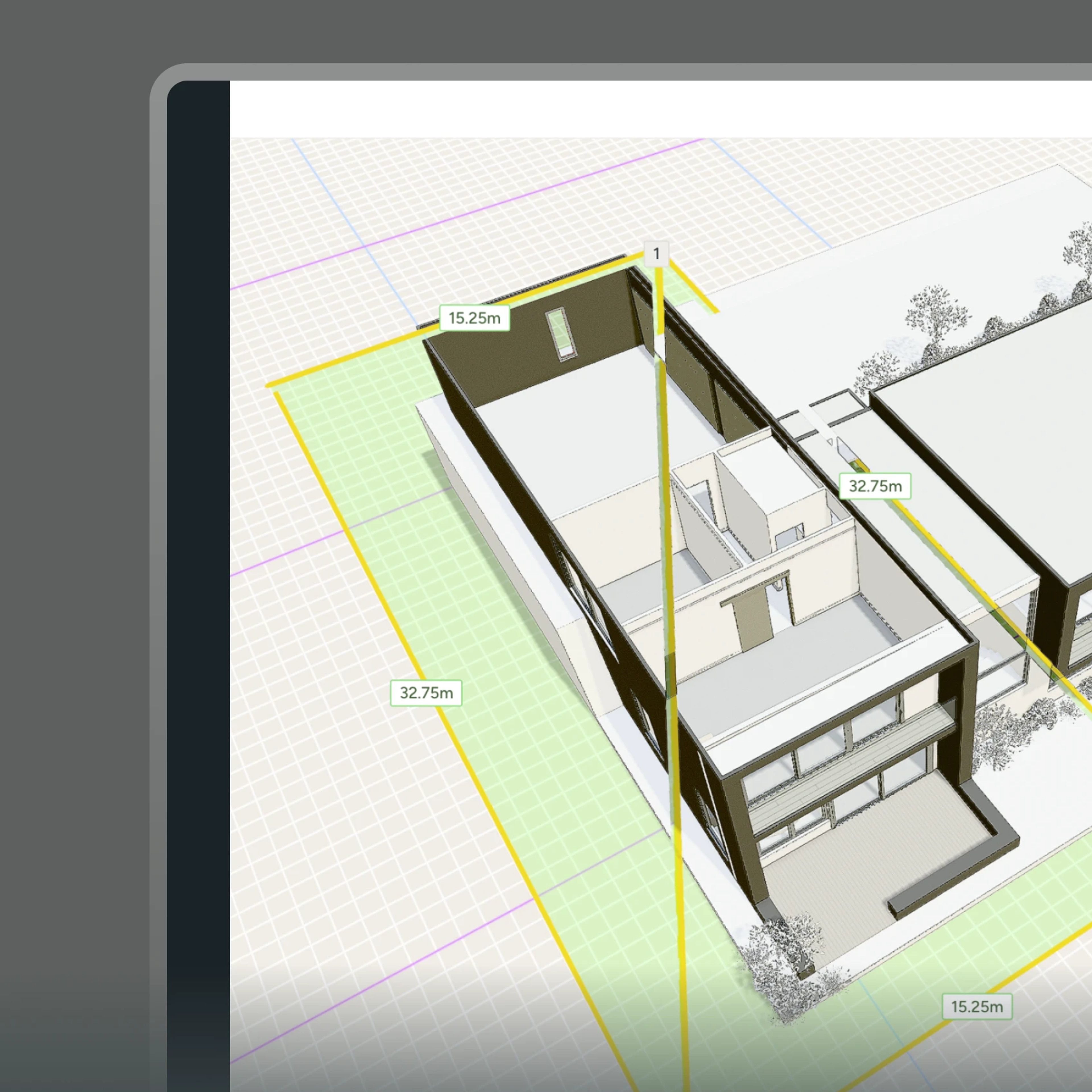
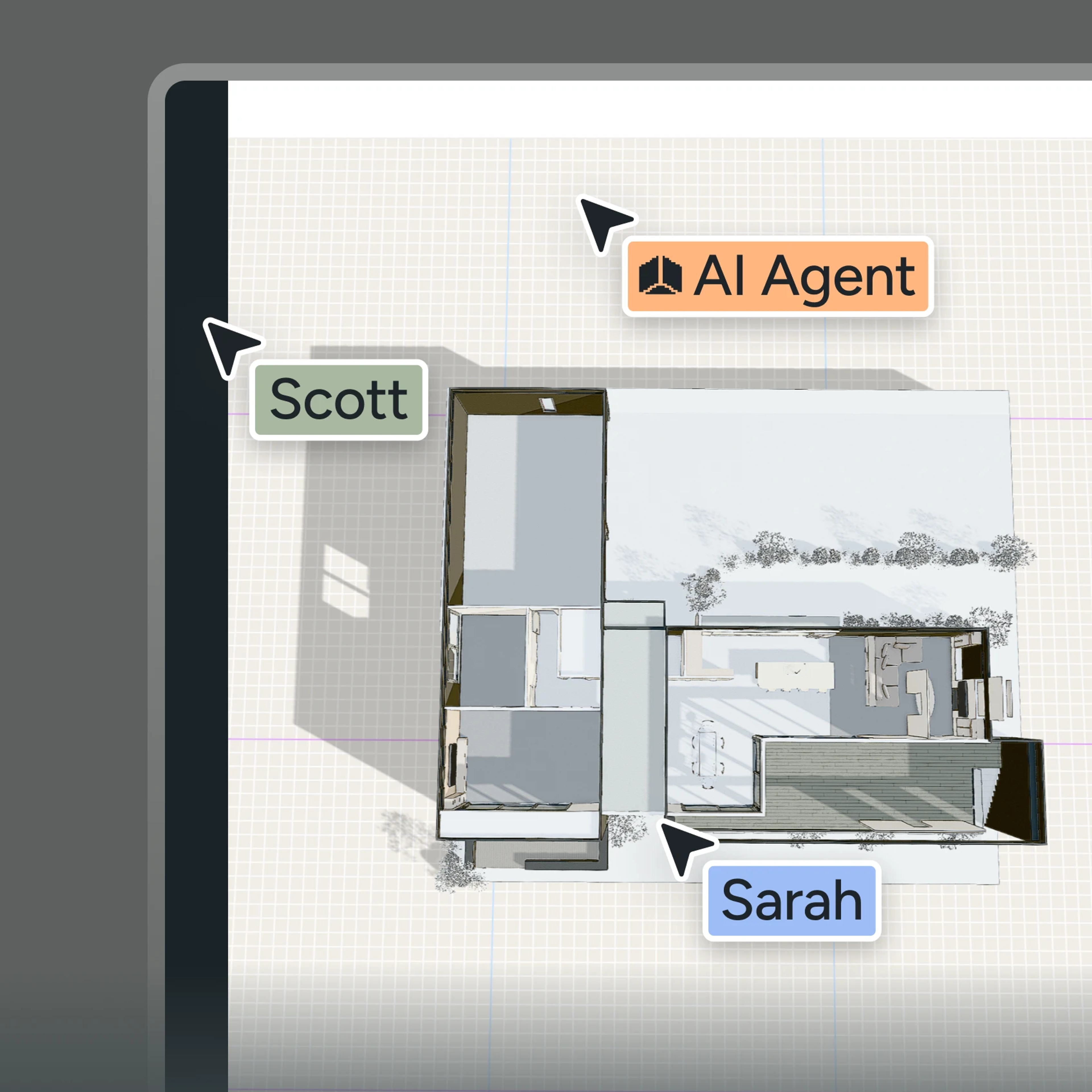
Harth allows you to easily render on top of your 3d building model, actually respecting your geometry and architecture.
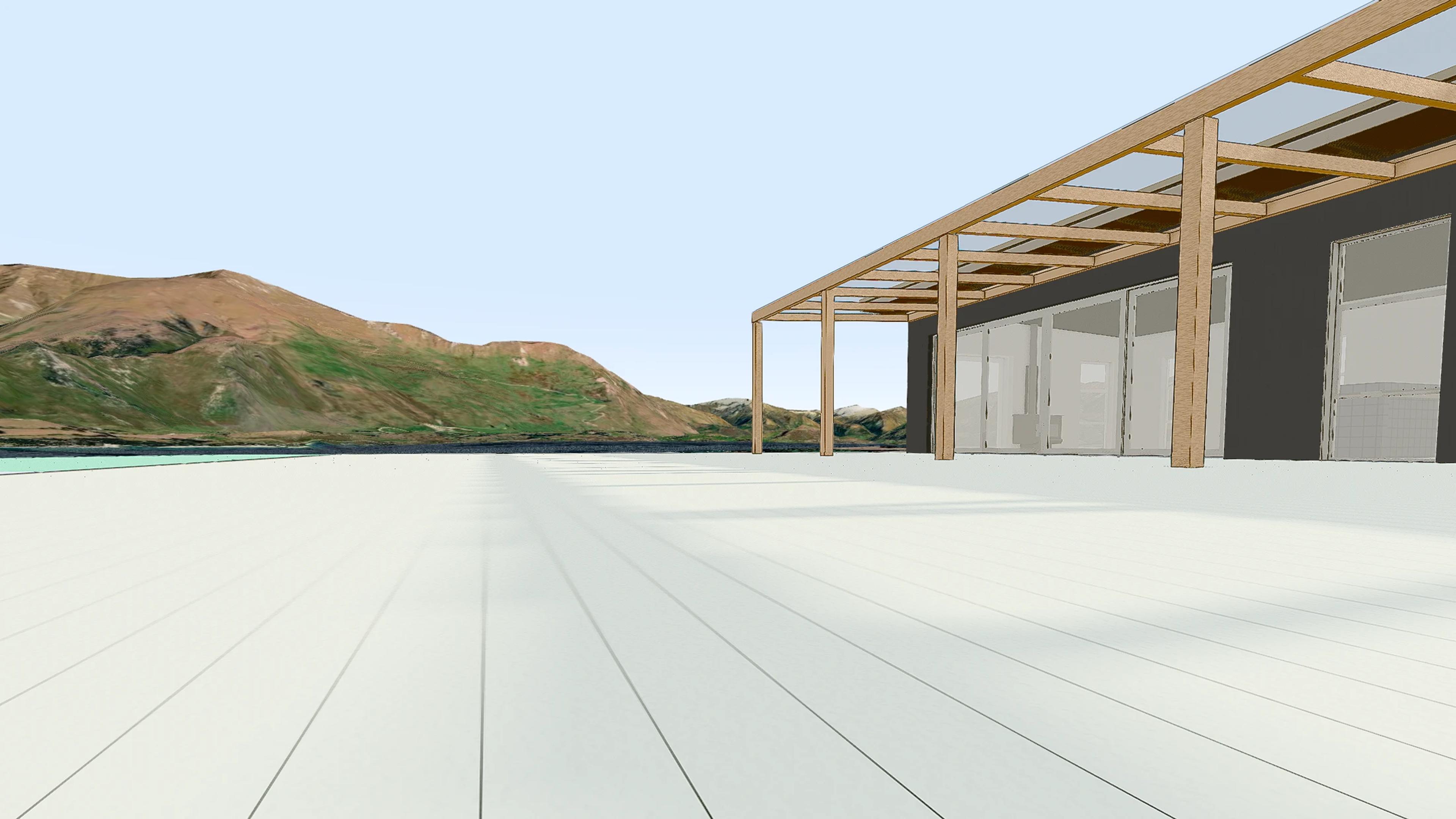
Import straight from Revit, ArchiCAD, SketchUp, or IFC. The render comes off the geometry you actually drew, not a redrawn approximation. Your CAD stays the source of truth; Harth just points a camera at it.
 Render from the scene you saved
Render from the scene you saved
Set the camera, pick the model and mode, choose the aspect. The render comes off that geometry.
 Spot edit
Spot edit
Mask an area, describe the change, keep the rest of the image untouched.
 Lighting and color
Lighting and color
Presets for time of day and grade, plus upscaling when the image needs to go large.
 Scans and splats
Scans and splats
Upload a gaussian splat scan and pin a project to it. Existing conditions, as they actually are.
 Export what the meeting needs
Export what the meeting needs
360°, full screen, markup, PDF, image, 3D, and recorded video walkthroughs.
Every image model, built-in, no extra subscriptions or logins required.

Nano Banana Pro

ChatGPT

Seedance

Flux

Qwen
Match the image to the moment.
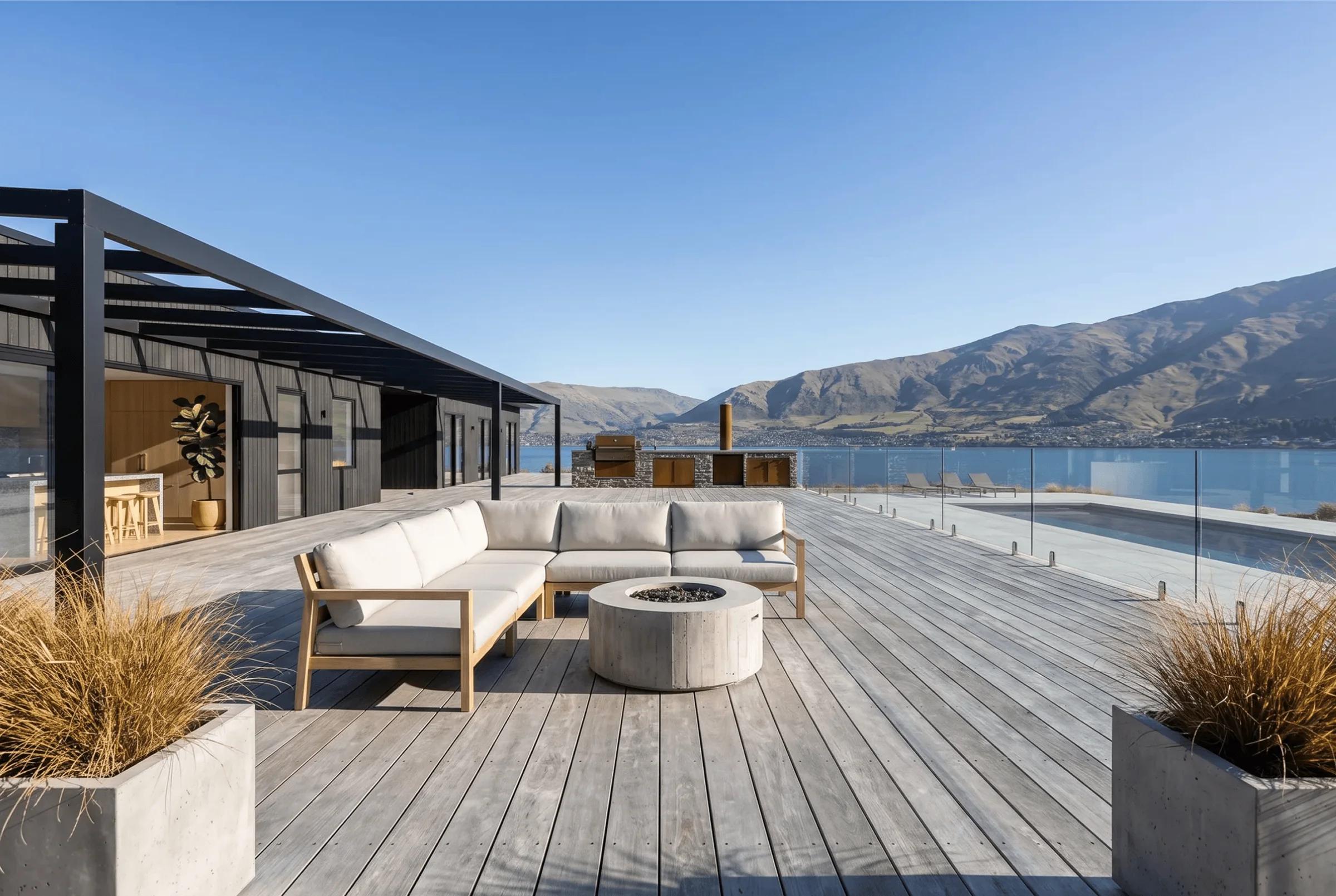
A sketch keeps the conversation open. A photoreal render closes it. Both are useful, and you choose which one the meeting needs.
Conceptual collage
Photorealistic
From the model. Harth captures the view from your 3D scene, so the massing, openings, and site are the ones you drew. Upload a photo to a render tool and it has to invent the parts it can't see.